ImageText
Log in
AI-powered image text editing

Edit text in any image with AI

Just type what you want to change. No Photoshop needed.

Drag & drop your image hereor click to upload an image
▣ JPG, PNG, WebP · HEIC supported✦ 1 free edit for new users⌁ Your images are private
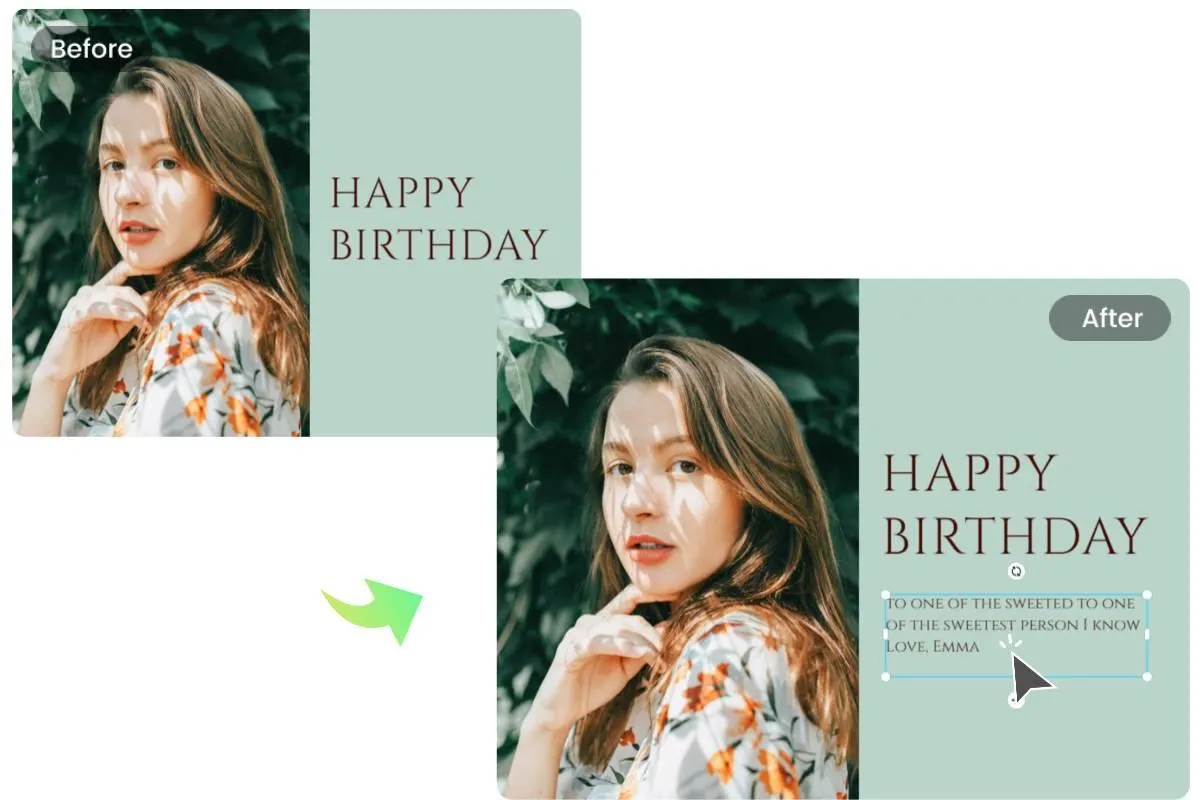
Before and after example of a birthday photo with new caption text
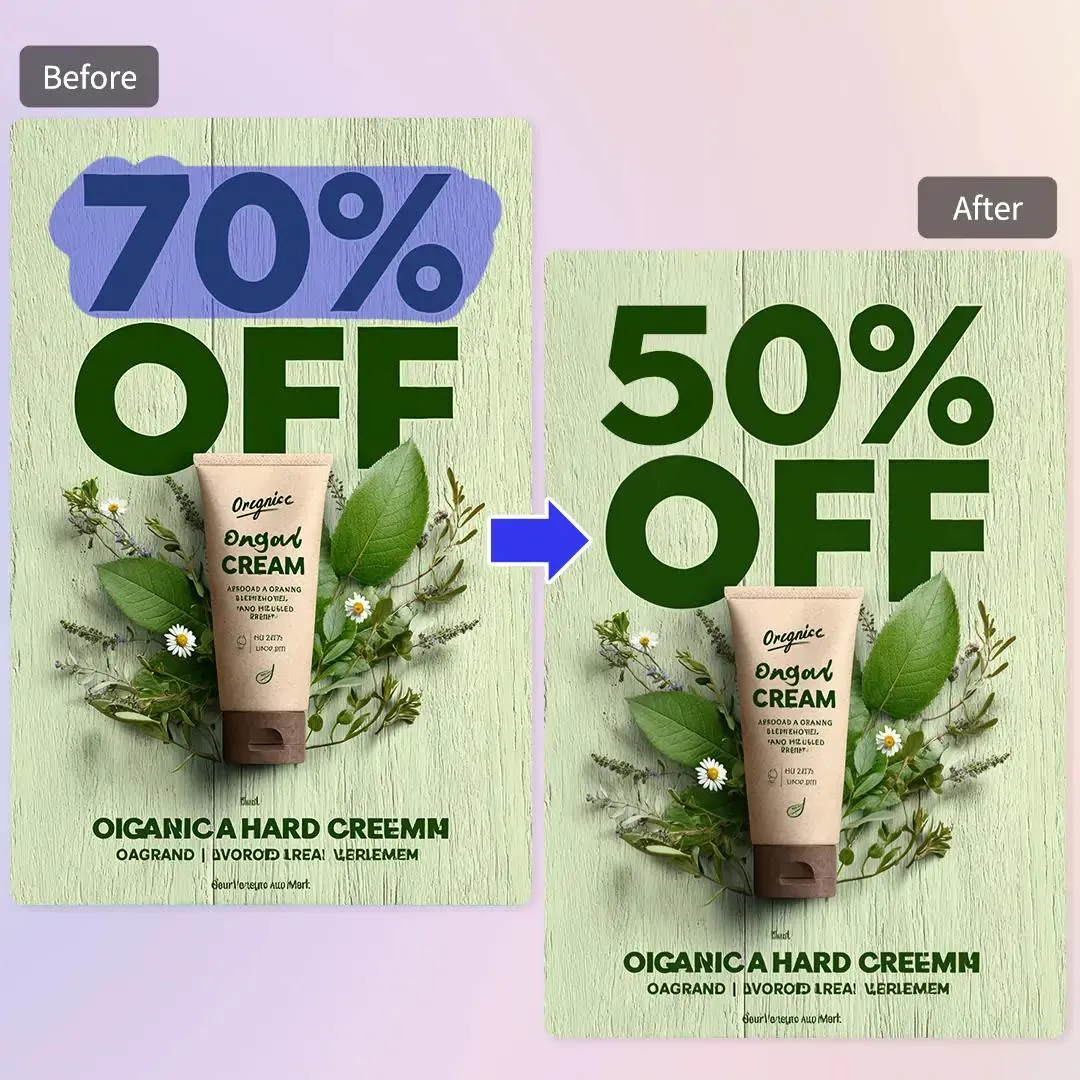
Before and after example of a product poster changed from 70% off to 50% off
Same image. Just the words changed.
Powerful but simple

Everything you need to edit image text

Make precise text changes without rebuilding the whole image.

Replace Text

Swap dates, prices, names or any words.
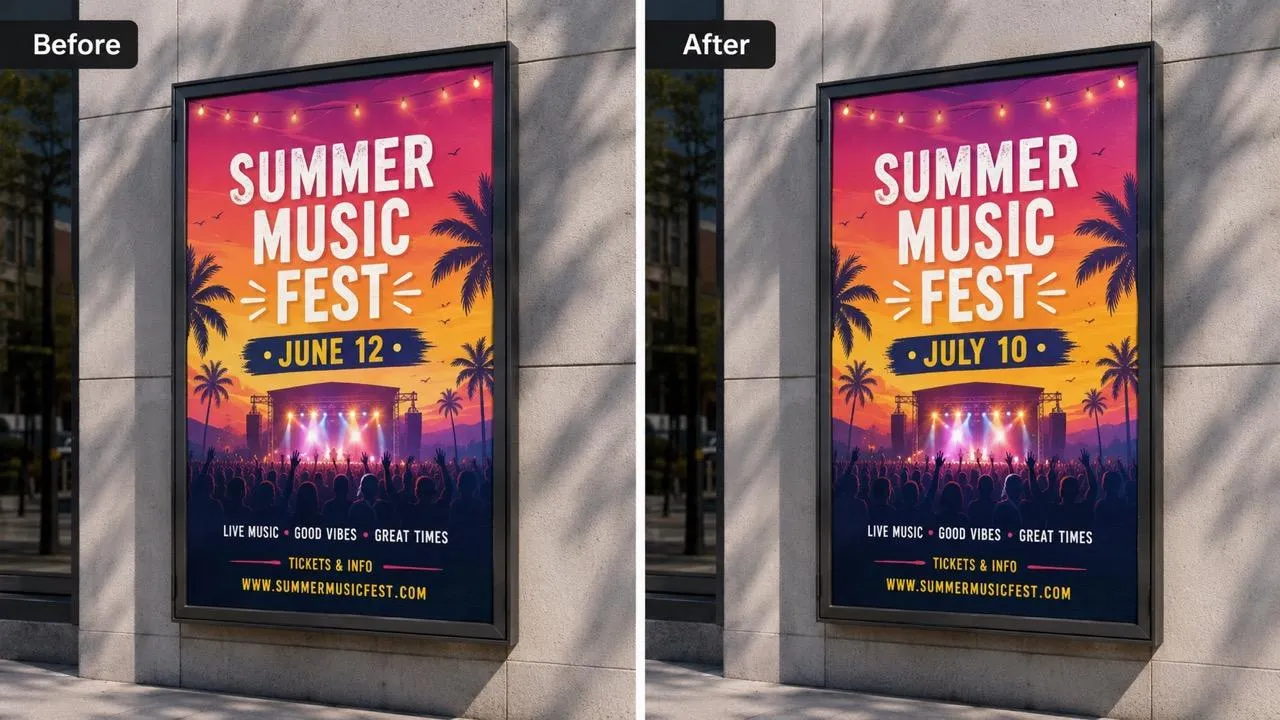
Before and after example of a poster date changed from June 12 to July 10

Delete Text

Remove unwanted text and restore the area.
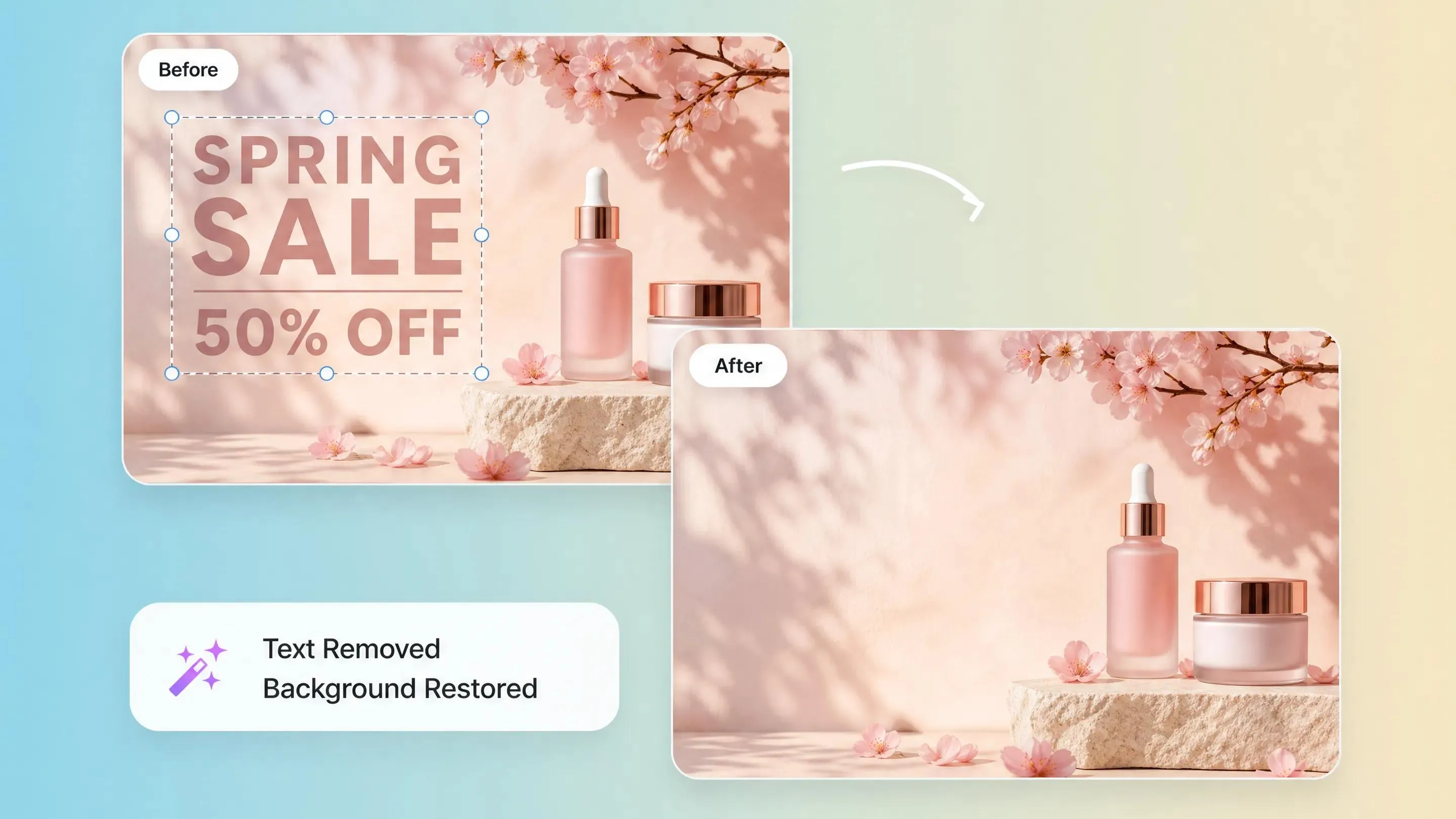
Before and after example of promotional text removed from a product photo

Add Text

Add a title, note or caption to your image.
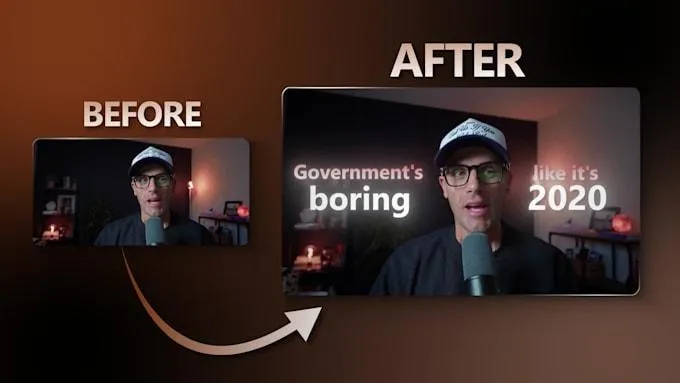
Before and after example of captions added to a video thumbnail

Adjust Style

Change color, size, weight and font style.

Before and after example of a product poster with restyled sale text
Three simple steps

How it works

No layers. No complicated tools. Just tell us what to change.

1

Upload

Choose an image from your device.

2

Describe

Type what you want to change. Mark an area if needed.

3

Download

Review your result and download the edited image.

Made for everyday images

What can you edit?

From quick fixes to creative updates, make the text match what you need.
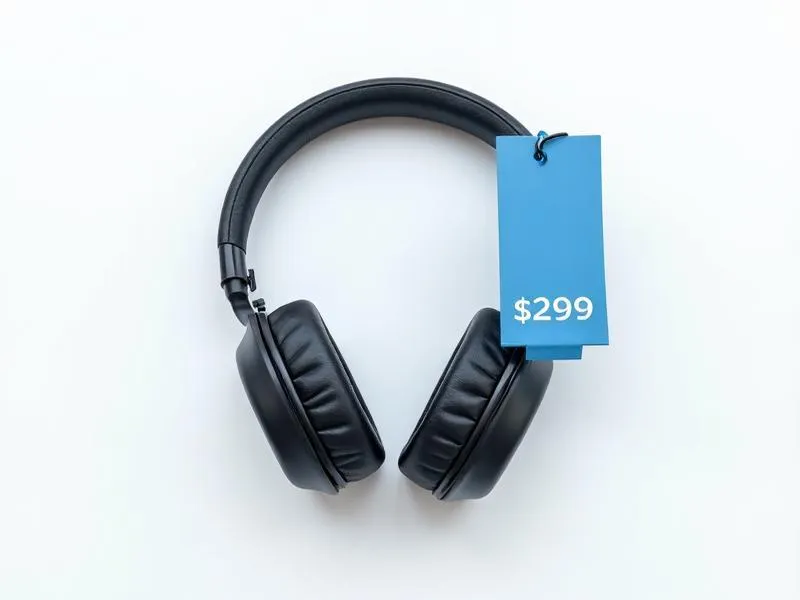
Product photo with a price tag edited from $299

Product Photos

Change prices, labels and product copy.
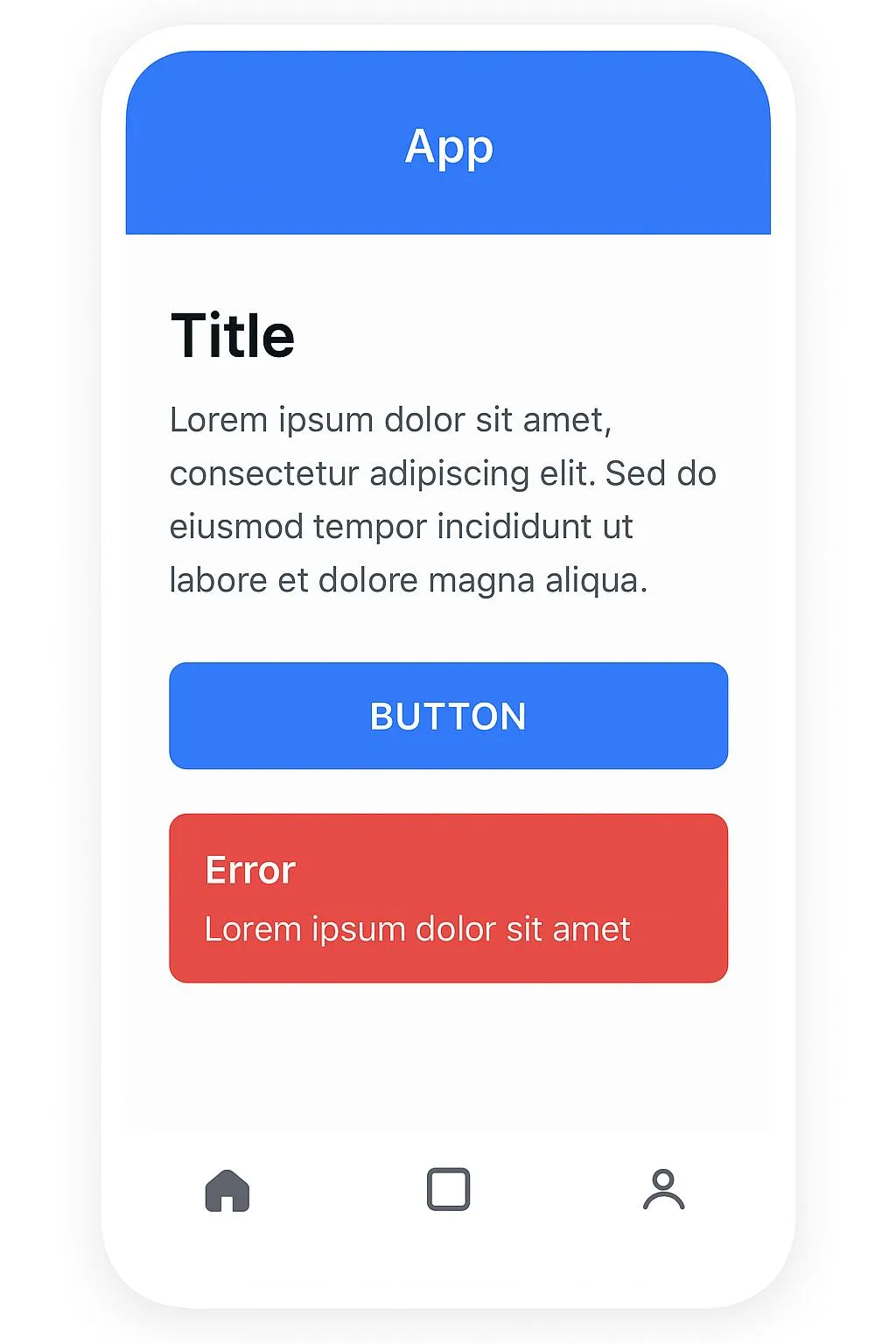
Screenshot with updated interface text

Screenshots

Update text in screenshots and mockups.
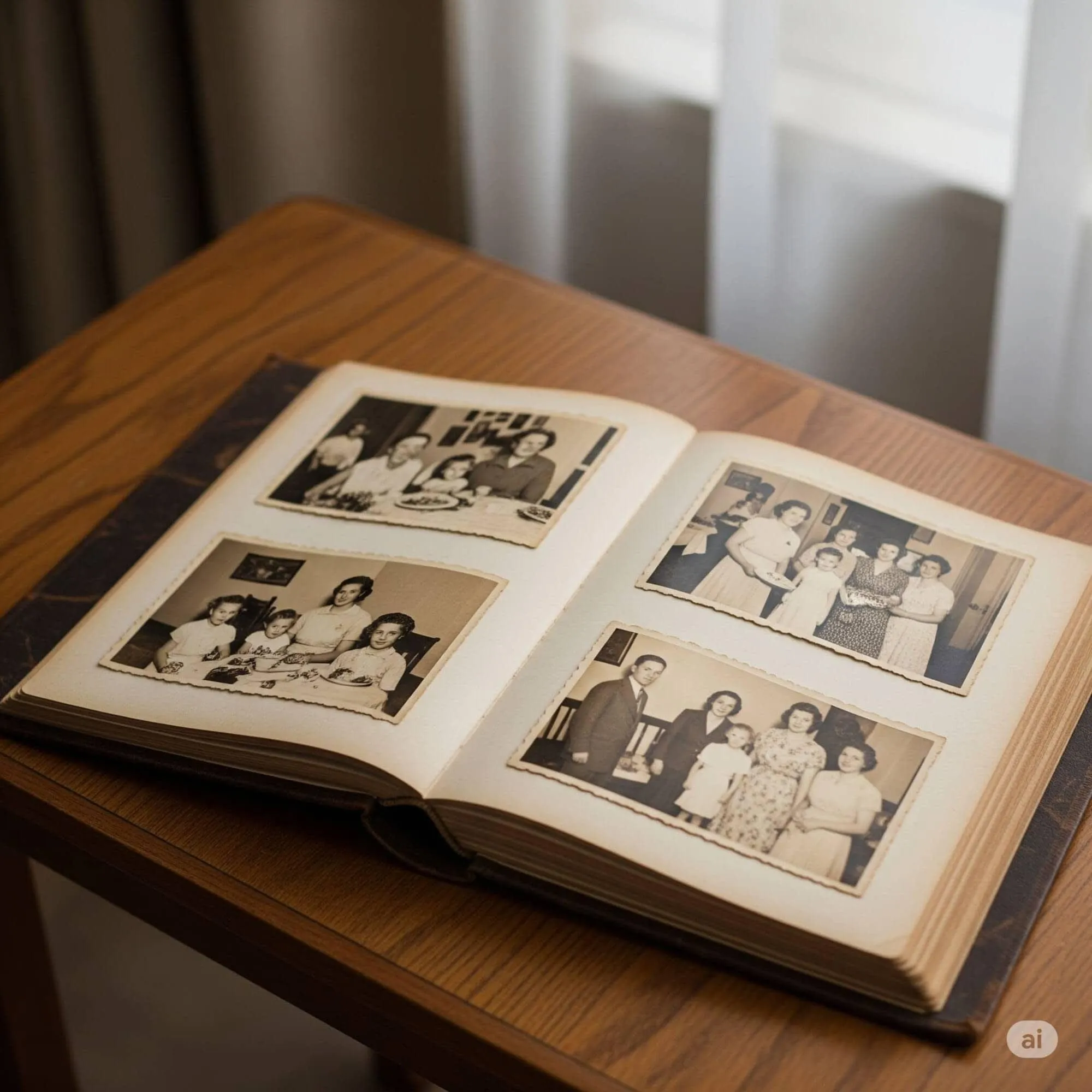
Old photo with a corrected date

Old Photos

Correct visible dates or add captions.

Poster with an updated headline and offer

Posters & Flyers

Update headlines, dates and event details.
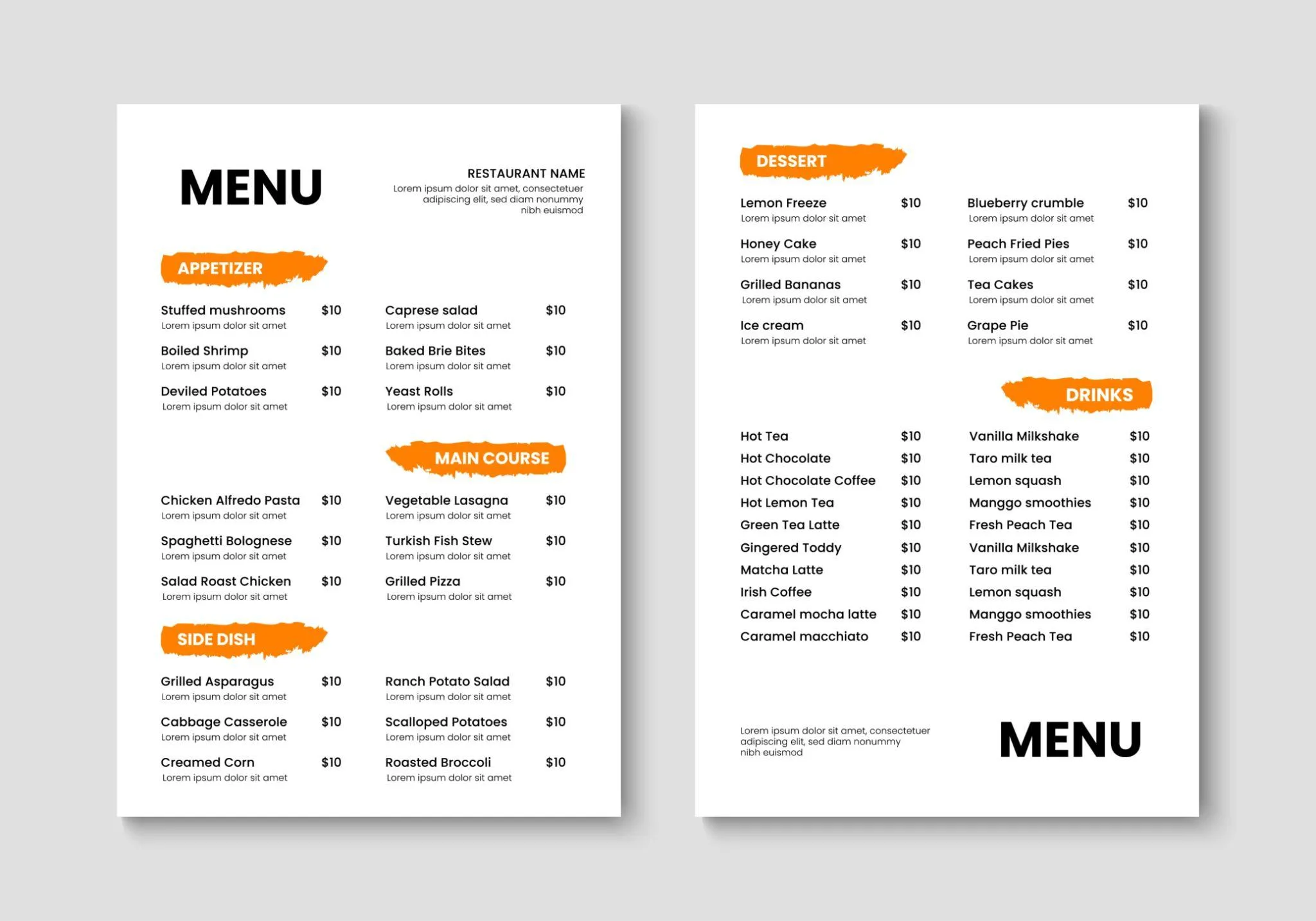
Menu with updated dish names and prices

Menus

Update dish names, prices and descriptions.
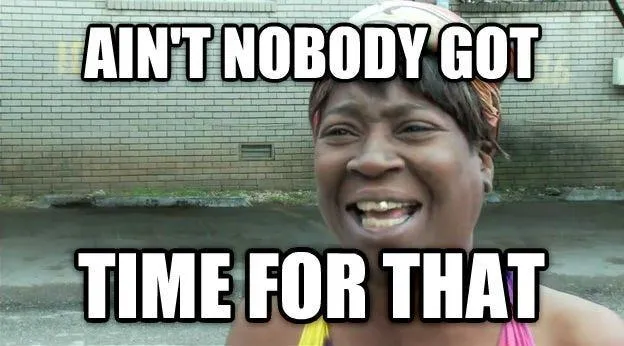
Meme with a replaced caption

Memes

Replace captions and make your own version.

See all use cases →

Ready to make that quick fix?

One image. One simple instruction. A better result.

✦ 1 Free Edit✓ No Subscription∞ Credits Never Expire
Upload an image ↗

Quick answers

Do I need Photoshop or design skills?

No. Upload an image and describe the change in everyday language.

Will the rest of my image stay the same?

The tool aims to preserve areas outside your requested change. Results can vary with complex backgrounds and typography.

Is my first edit free?

Yes. New users receive one free edit. You can review the available packages on the Pricing page.

View all FAQ →